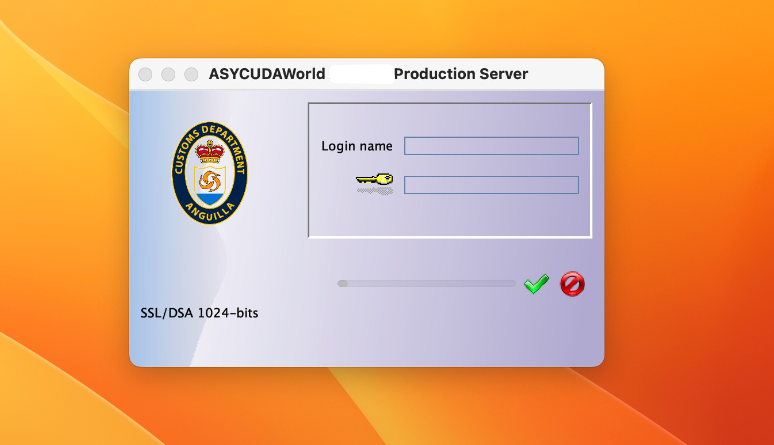
Installing ASYCUDA on a Mac – A Quick Guide
If you’ve ever tried installing ASYCUDA on a Mac, you know it can be a frustrating experience. With macOS’s tight security measures and Java’s evolving standards, getting ASYCUDA […]
READ →
How to import XML into asycuda
To import XML files into ASYCUDA, begin by ensuring your XML file is correctly formatted according to the system's schema. Log into the ASYCUDA portal, navigate to the appropriate section (like "Document Library" or "Goods Clearance"), and select the option to upload your XML file. After uploading, review the data for accuracy, then submit the file for processing. Monitor for any errors or issues, and finalize your customs declaration as needed. Proper preparation and verification are crucial to ensure a smooth import process.
READ →